Please Wait...

If you’re always struggling with mediocre cellular broadband service where you live, work or vacation, a 3G/4G antenna may give you the boost you’re looking for. Cellular antennas are a simple, inexpensive way to improve the LTE connection to your device, and are ideal if you live just a bit too far from the cell phone tower, or in a building that interferes with the signal. 5Gstore carries LTEantennas for indoor, outdoor and vehicle use, giving you a more reliable signal wherever life takes you.

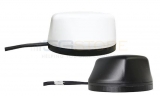

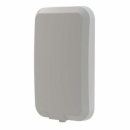

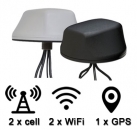
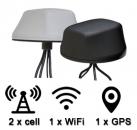
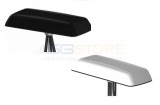
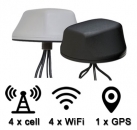
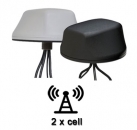
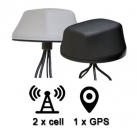
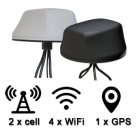
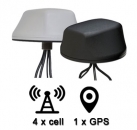
Our selection of indoor antennas runs the gamut, from cellular paddle antennas that attached to routers with embedded cellular modules, to directional panel antennas that can be mounted in your window. You can also get directional 3G/4G/LTE weatherproof outdoor antennas, or choose a wide band omni antenna that doesn’t need to be aimed towards the nearest cell tower. We also have antennas that mount on the roofs of vehicles and RVs for better signal when you find yourself in a less populated area. Some antennas can even be used in conjunction with a signal booster or amplifier to maximize your mobile broadband performance. Give yourself the great LTE service to stay connected with the world by shopping our selection of cellular antennas today.